

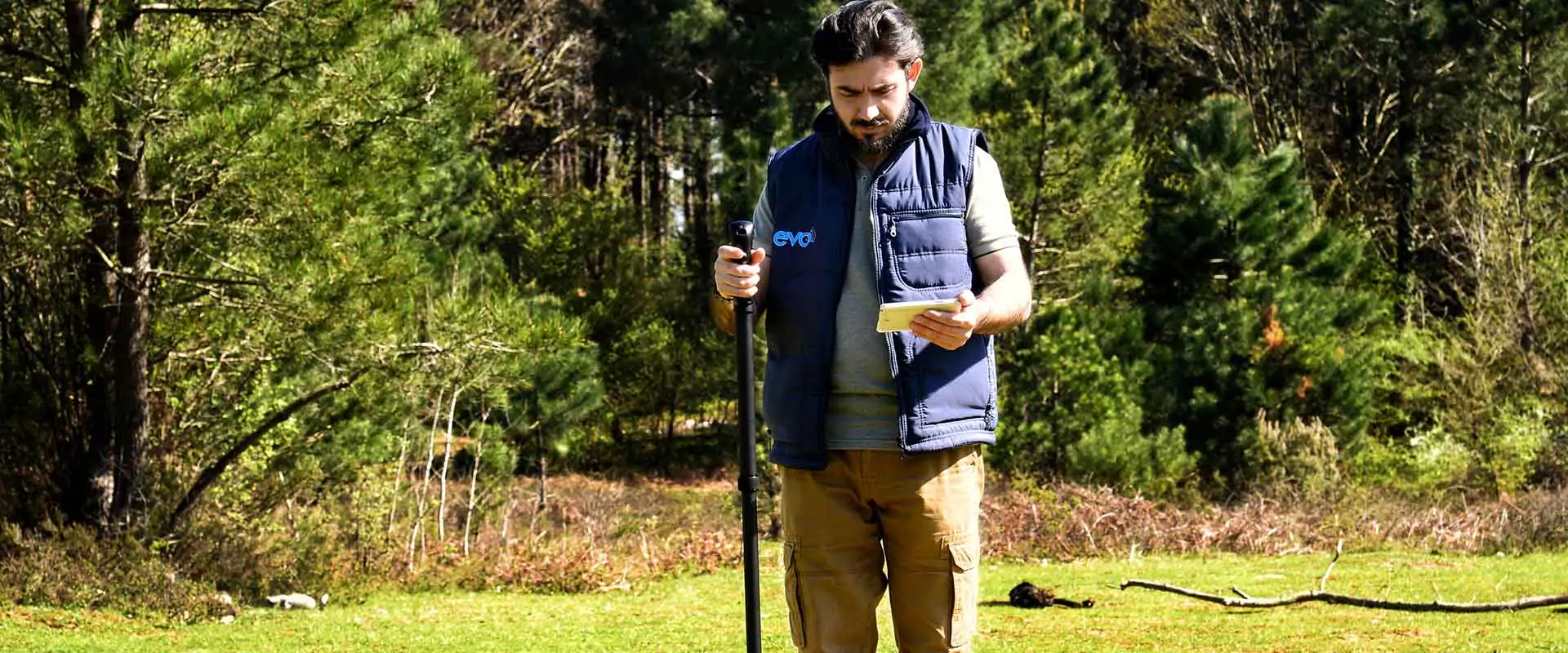

EVO metal detector is a unique innovation in the field of metal detecting underground.
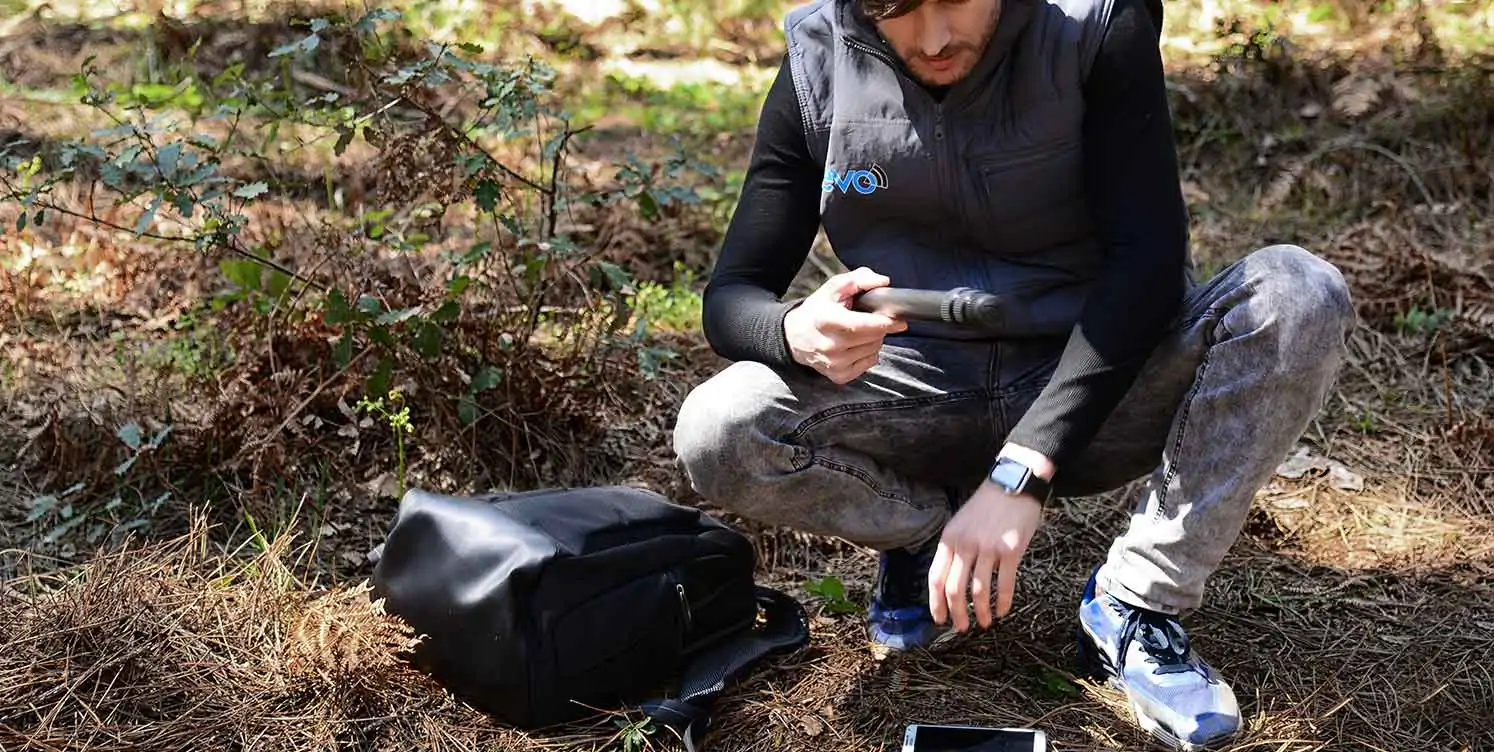
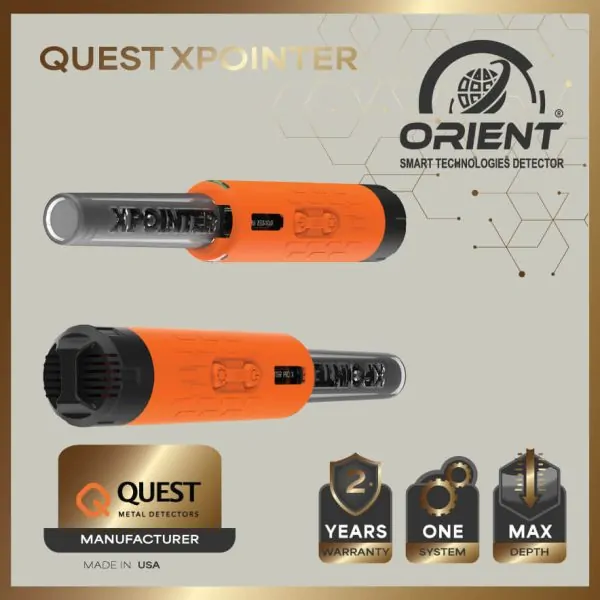
This stick-sized probe used a unique technology which is integrated into the Evo metal detector
and used to record the scan data for every point in search field for later analysis.
The 3D ground scanning data show on the screen of bundled Tablet PC
that use special application to display the data as 3D graphics presenting the full details of buried object in specific search area.
This stick-sized probe used a unique technology which is integrated into the Evo metal detector
and used to record the scan data for every point in search field for later analysis.
The 3D ground scanning data show on the screen of bundled Tablet PC
that use special application to display the data as 3D graphics presenting the full details of buried object in specific search area.

Built With
3D Imaging System
Treasure hunting
experience to
new heights
High Quality
material
WATCH
HOW TO USE VIDEO
WHY CHOOSE
Evo Metal Detector

Specifications
Evo Metal Detector Device Features
3D Ground Scanning Technology The special measurement probe or sensor in the Evo gold detector is equipped with a special technology that uses special built-in sensors to perform a 3D scan of the ground by receiving magnetic field and ionic field signals from the ground, these fields are formed around the underground metal objects over time. These signals are stored digitally in the memory of the device to be processed later and converted into 3D drawings representing the accurate structure of the scanned ground including all buried objects and soil plus spaces.
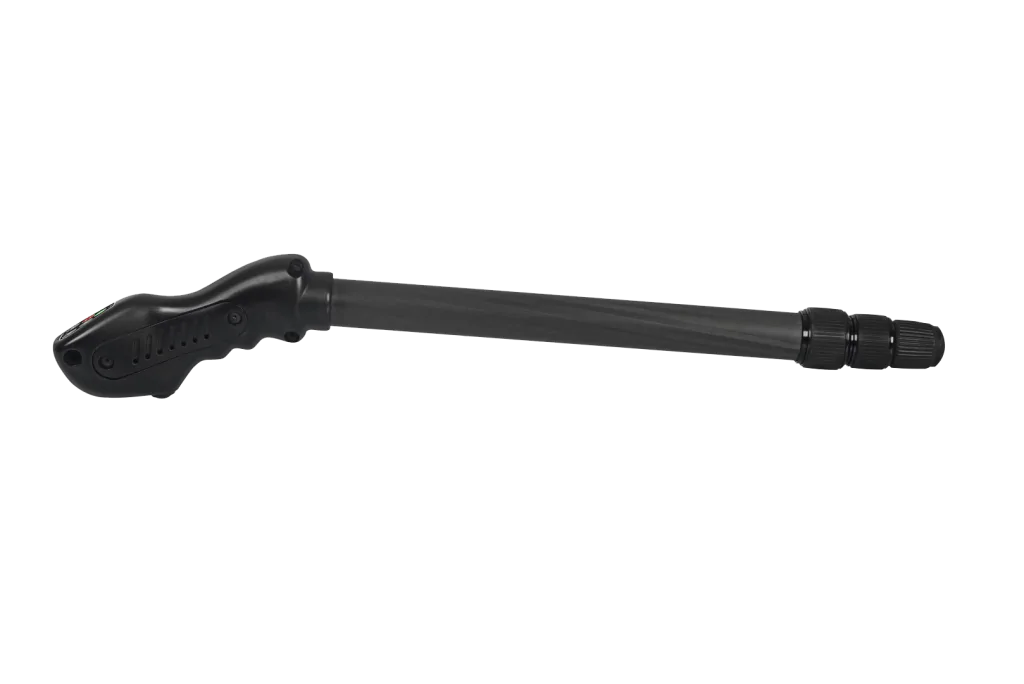
Measurement Probe The measurement probe (the scan sensor) used in Evo gold detector has a modern ergonomic design and shaped like a stick. its length can be adjusted either extend its length or reduce the length by using adjustment rings along its body. The measurement probe contains at its top a panel of control buttons used to power the device on/off and selection of detection modes, plus a start button on the other side which used to record the scan data during search process at specific point.
Scanning Procedure
In order to obtain correct and accurate results, the user of Evo metal detector must perform a division of the search area to several lines for scanning and segmentation of each line to a certain number of points and then record measurement at each point, the larger the number of points the more accurate the scan, and he obtain more accurate results. Here are the detailed steps to perform the scan: 1 – The user of Evo device must firstly define the search area which he want scan. the area is a rectangular area with specific length and width, for example 4×3 meters . and divide the area to multiple scan lines ( 30 cm is a recommended distance between every scan line) 2 – The device turned on by pressing on/off button then select one of detection modes by pressing related button. 3 – The scan start at specific corner of rectangular area, then the user records the scan point by pressing start button on probe. 4 – Then the user move to another point on scan line and so on till end of scan line. 5- After finishing the first scan line the user can select to scan another line
Evo Scan Modes
EVO gold detector device has two different scan modes which can be used for different purposes and provide different visualization on screen depending on the selected mode 1 – Live Search Mode Live search mode provides simultaneous data transfer in 2D. the user can see the objects with magnetic effect, metallic objects, cavities, and structures which are buried underground. To use the live search function, press the Live search icon on the application . or press the LIVE button on the main body of probe, the blue small lamp on the keypad will be activated. This scan mode display and visualize received data (signals) directly in real time on tablet’s screen as 2D graph. it is updated upon walking to different place, the changes in the ground presented in the form of a curved graph with curves towards the top or bottom and changing colors representing the type of buried metal objects . for example precious metal in red color and spaces in blue color and normal soil in green color and so on. the benefit of this search mode is that the user can scan large areas in a short time. also it is best to get a quick idea about possible targets in search field. 2 – 3D Ground Search Mode 3D Ground search is the most used detection mode as it gives best results. in this mode the user uses the sensor for performing a detailed 3D ground scanning – as explained before – then this saved scan data converted to 3D graph presenting the ground and its buried metal objects. The ground search function has two different functions, automatic and manual. To use the ground search function, be sure to make the wireless connection with the device. Once connected, you can select the search function with the keys on the device or with the sub menu on the application.
Discover Metal Detector Devices Up Close!, Follow us on Instagram now to step into the unique world of the ORIENT brand. Visit @orientdetectors and access special content that is indispensable for gold lovers. We are waiting for you to take part in the magical world of unique products!
Wide Distribution
Discover our unique and stylish designs with our ORIENT brands in our distributers worldwide, as well as in our sub-dealers in each country and city. We are waiting for you to reach your dream products on our online platform!
Safe Shopping
Our customers' safety and satisfaction is our priority. With Secure Shopping, you can fully enjoy online shopping. With advanced security measures and payment systems, your personal information will always be protected.
Free Delivery
You are at the right address for fast and reliable shopping! The products you choose come to your door with the advantage of Free Delivery. Select the products you want from our site, complete your payment. We will quickly prepare your package and deliver it to your address free of charge.

 USD
USD EUR
EUR TRY
TRY SAR
SAR


Reviews
There are no reviews yet.