
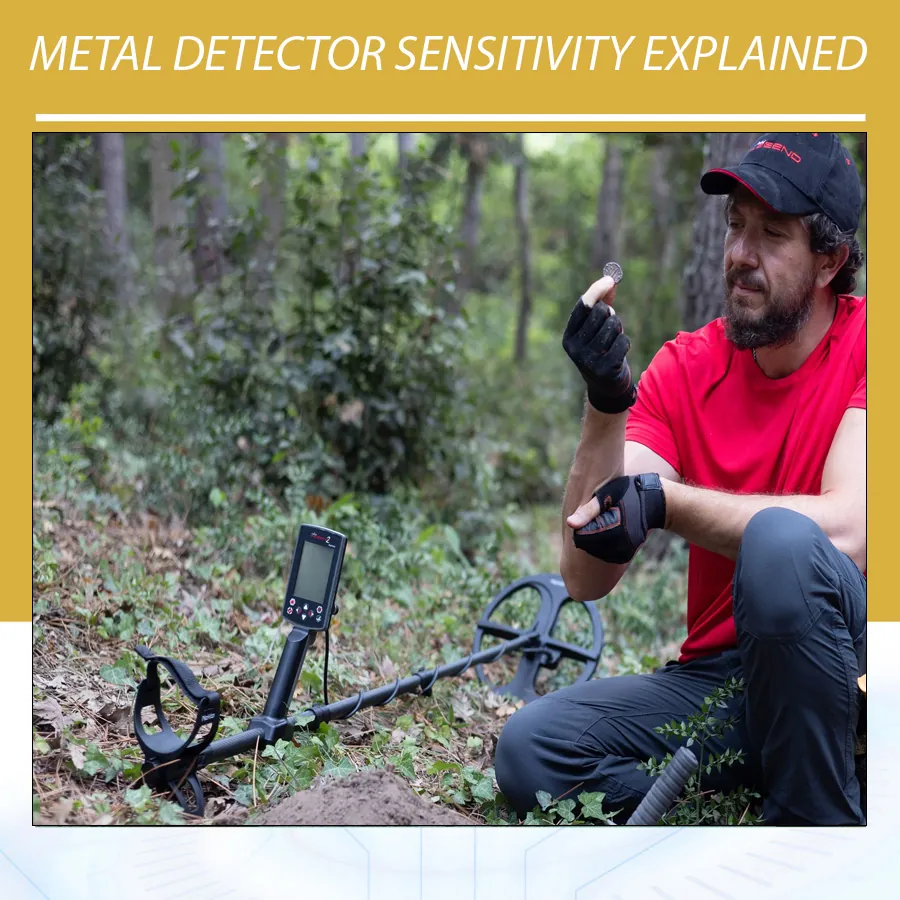
What sensitivity does and does not do
Sensitivity is not a guaranteed depth control. A higher setting may reveal a weak target, but it can also turn harmless ground variation into chatter. If the audio is constantly breaking up, the detector may mask subtle targets because the user can no longer distinguish meaningful responses. Reducing sensitivity by a few steps can therefore improve practical finds by restoring clear audio and reliable target IDs.
| What you hear or see | Likely cause | Useful response |
|---|---|---|
| Random chirps while the coil is still | Electrical interference or excessive sensitivity | Run noise cancel, then lower sensitivity until stable |
| Signals appear only on one sweep | Ground noise, edge-of-coil effect, or a difficult target | Cross-sweep, shorten the swing, and lower sensitivity slightly |
| IDs jump wildly everywhere | Mineralization, wet salt, nearby metal, or unstable gain | Ground balance, change mode, and reduce gain |
| Quiet detector with weak known targets | Sensitivity set too low or unsuitable coil/mode | Increase gradually and compare repeatability |
A simple field procedure
- Keep the coil cable secure and remove obvious metal from your pockets or the test area.
- Choose the correct search mode and perform noise cancellation if your detector provides it.
- Ground balance according to the manual.
- Raise sensitivity until intermittent instability begins, then reduce it a little.
- Walk several metres and repeat the check. Ground can change across a site.
- When a target is found, evaluate it from two directions before changing settings.
Examples from Orient Detectors
Minelab lists a 1–35 sensitivity scale for the MANTICORE. A larger scale provides fine adjustment, not a reason to leave the control at 35. The MANTICORE also has noise-cancel and ground-balance options, so a sensible setup treats them as a group.
The Nokta The Legend 2 combines adjustable sensitivity with simultaneous multi-frequency modes, selectable frequencies, and two included coils. In iron or litter, the smaller coil and controlled sensitivity can make target separation more useful than extra gain.
On the Gold Stinger X6, the product information lists sensitivity control and ground-balance features. Test these controls over representative soil. Do not treat an estimated depth or a target graphic as confirmation when the base signal itself is unstable.
Sensitivity, coil height, and sweep speed
High sensitivity cannot correct poor technique. Keep the coil level and close to the ground without scraping it, overlap swings, and use a speed that lets the detector process targets. A coil repeatedly lifted at the end of each arc changes the ground response and can imitate a weak target. See also sweep speed and coil height techniques.
Metal Detector Sensitivity Is a Signal-to-Noise Decision
The most useful way to understand metal detector sensitivity is through signal-to-noise ratio. The target produces a signal, but the detector also receives responses from soil, salt, nearby electrical equipment, other detectors, and movement. Raising sensitivity can increase the target response and the unwanted response together. When noise grows faster than useful information, the target becomes harder to recognize even if the detector is technically responding more strongly.
This explains why a calm detector can perform better than a noisy one. A faint repeatable tone in a quiet threshold is actionable. A similar tone hidden among constant random chirps is easy to miss or mistake for interference. The goal is not silence at any cost; it is controlled operation in which normal ground sounds and target responses can be separated.
Manufacturers express sensitivity in different scales. A setting of 20 on one detector is not equivalent to 20 on another. Some devices call the control gain, RX gain, or sensitivity, and the control may operate differently across search modes. Always use the manual for the exact model and current software version.
How Sensitivity Affects Depth, Small Targets, and Stability
A higher stable setting can improve the response to small or deep targets because these targets return weaker signals. Yet “higher” is useful only while the detector remains stable enough to identify those signals. Minelab’s GPZ 7000 manual describes sensitivity as amplification applied to received signals and recommends the highest stable setting. It also states that high sensitivity can increase interference and ground noise, and that a lower setting can perform better in mineralized or high-interference conditions by reducing false signals.
Depth is not controlled by sensitivity alone. Search mode, coil size, ground balance, operating frequency, recovery speed, target orientation, and soil conditions contribute. If a target is below the physical detection limit for the setup, maximum sensitivity will not create a reliable signal. It may instead create random responses that encourage unnecessary digging.
| Setting condition | Likely benefit | Likely cost | Field interpretation |
|---|---|---|---|
| Too low | Very stable operation | Weak small or deep targets may be missed | Increase gradually over a known target |
| Stable middle range | Clear audio and dependable IDs | May not capture the faintest fringe signal | Often the most productive search setting |
| Highest stable level | Maximum usable response for current conditions | Small site changes may introduce noise | Recheck as ground and EMI change |
| Above stability | Occasional stronger-looking responses | Chatter, false IDs, fatigue, masking | Reduce until false signals disappear |
Sensitivity Versus Threshold, Volume, and Discrimination
Sensitivity changes the detector’s response to received signals. Volume changes how loudly you hear the processed response. Increasing headphone volume does not make the coil detect deeper; it only changes listening level. Protect your hearing and set target volume so strong shallow objects are comfortable.
Threshold is the background reference tone used in some modes. A stable threshold can reveal slight rises, falls, or nulls, but its loudness is separate from sensitivity. Excessive sensitivity can make the threshold unstable. Increasing threshold volume to cover instability does not solve the underlying problem.
Discrimination accepts or rejects parts of the detector’s interpreted target range. It should not be used to hide general instability. If the entire site produces random tones, first perform noise cancel, ground balance, and sensitivity adjustment. Heavy rejection can silence useful blended responses and make target masking worse.
| Control | Primary purpose | What it cannot do |
|---|---|---|
| Sensitivity/gain | Sets responsiveness or amplification | Cannot identify metal composition with certainty |
| Volume | Sets listening loudness | Does not increase the coil’s physical detection field |
| Threshold | Provides an audible reference in applicable modes | Does not replace correct ground balance |
| Discrimination | Accepts or rejects interpreted target categories | Does not cure electrical interference or mineralization |
| Recovery speed | Controls separation and response timing | Does not make unstable sensitivity reliable |
Why Maximum Sensitivity Can Reduce Finds
Constant chatter creates auditory masking: meaningful target sounds become lost among irrelevant sounds. It also increases decision fatigue. After an hour of unstable audio, users commonly begin ignoring short signals—including the short repeatable responses that can represent a masked coin or small item.
Unstable operation can also make target IDs jump across a wide range. The user may then increase discrimination to suppress the noise, potentially rejecting desirable targets whose blended response falls into the rejected area. Lowering metal detector sensitivity can restore cleaner IDs and allow a more open discrimination pattern.
Another problem is false confidence. Maximum sensitivity may create one attractive chirp in ten sweeps. A real target should usually occupy a repeatable location, even if its ID is imperfect. Judge consistency, not the best isolated pass.
How Ground Conditions Change the Correct Setting
Mild dry soil often allows higher sensitivity because the ground response is comparatively small. Red iron-rich soil can force a lower setting, especially with a large coil that sees more ground. Wet conductive sand may require a beach mode and reduced sensitivity. Saltwater movement can vary under the coil from one sweep to the next, creating responses that resemble weak targets.
Ground balance should be completed before the final sensitivity adjustment. Balance over representative soil that contains no metal target. If the detector cannot balance or remains noisy, move to another clear spot, check the selected mode, and reduce sensitivity. Nokta’s manual notes that automatic ground balance requires metal-free ground and smooth coil pumping; it also explains that certain conductive or non-mineralized conditions may prevent a normal balance value.
Conditions can change within the same field. Moist depressions, burned areas, fertilizer, brick fragments, hot rocks, and modern fill can alter the response. Recheck sensitivity when the audio character changes instead of assuming a new concentration of targets.
How Electromagnetic Interference Affects Sensitivity
Electromagnetic interference, or EMI, can come from power lines, electric fences, chargers, communication equipment, vehicles, and other detectors. High sensitivity makes the machine more responsive to this noise. If chatter continues while the coil is held still above the ground, EMI is a strong possibility.
Run the detector’s noise-cancel or frequency-shift procedure with the coil positioned exactly as the manual instructs. Keep phones and smartwatches away for a test. Increase spacing between detectors. If noise remains, reduce sensitivity. Moving a short distance or changing direction relative to the source can also help, but never enter restricted utility areas.
Noise cancel and sensitivity have different roles. Noise cancel selects a quieter channel or frequency relationship. Sensitivity determines how strongly remaining signals are reported. Use both in the correct order.
Choosing Sensitivity for Different Search Goals
Coins in a Clean Park
Begin with the recommended Park mode, noise-cancel, and ground-balance routine. Raise sensitivity to the highest stable level, then walk several metres. If the setting remains calm, test a known coin. Maintain a consistent coil height; scraping the ground can create impact noise.
Coins Among Iron and Aluminium
Extra sensitivity can make several nearby targets blend into a confusing response. A smaller coil, controlled sweep, and suitable recovery speed may improve results more than additional gain. Use cross-sweeps and investigate compact repeatable responses.
Beach Detecting
Select the dedicated Beach mode and keep the coil parallel as it crosses wet and dry zones. Reduce sensitivity when wave action or conductive sand causes falsing. Verify the detector’s waterproof limits before entering water.
Natural-Gold Prospecting
Small gold requires sensitivity, but mineralized ground often sets the practical limit. Use a purpose-built Gold mode, balance frequently, and listen to the threshold. Test with a representative small target above or in the ground without contaminating the site.
Large Relics or Cache-Sized Objects
A large target may not require maximum sensitivity. Moderate stable settings can preserve a broad recognizable response. Lift the coil and map the signal footprint to distinguish a compact target from large iron or scattered debris.
Examples: MANTICORE, The Legend 2, and Gold Stinger X6
The MANTICORE’s published sensitivity range is 1–35. The machine also offers several noise-cancel options, automatic/manual/tracking ground balance, recovery speed, and mode-specific processing. For Rank Math readers searching practical guidance, the key point is that these controls interact: select the mode, cancel noise, balance the ground, then increase sensitivity while listening for instability.
Nokta lists 30 sensitivity levels for The Legend 2, along with automatic noise cancel, manual frequency-shift channels, and automatic/manual/tracking ground balance. The two standard coil sizes also matter. The smaller coil can reduce the amount of ground and trash under the search field, improving practical stability and separation.
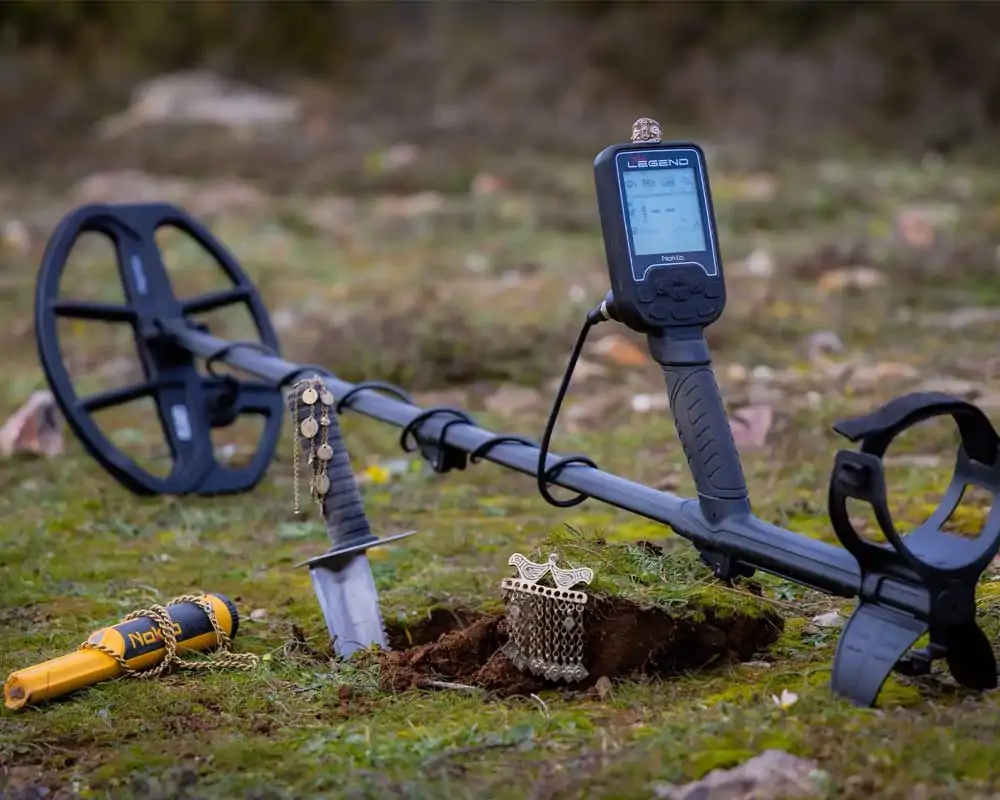
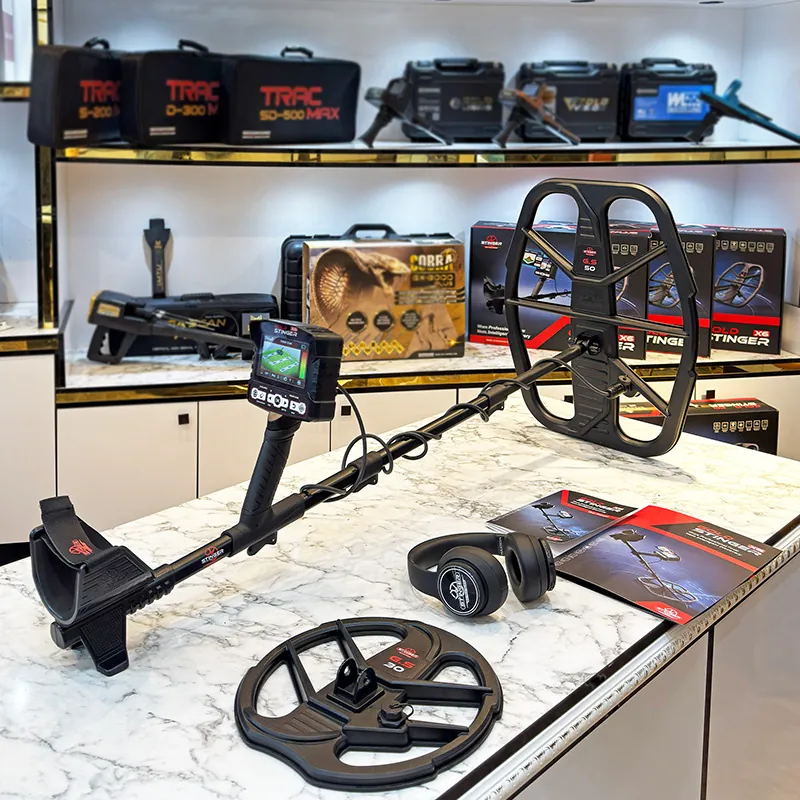
Gold Stinger X6 includes sensitivity control in its product description and offers GS30 and GS50 coil options for different search priorities. A larger coil can increase coverage and response to certain larger targets, but it also samples more soil. The correct sensitivity should be established separately for each coil and location.
A Repeatable Sensitivity Test
- Select a representative target and a clean area of the actual search ground.
- Record the detector, coil, mode, frequency, recovery speed, and ground-balance value.
- Start below the expected sensitivity range and make four controlled passes.
- Increase by one or two steps and repeat at the same height and speed.
- Record two-way audio, target-ID spread, and background noise.
- Stop when false responses become frequent, then reduce until they disappear.
- Walk away from the test target and confirm that ordinary ground remains stable.
- Repeat after environmental conditions change.
A test is valuable only when it measures usable target recognition. Do not score a setting solely because it produced the loudest single response. Score repeatability, ID behavior, and operator confidence.
Common Sensitivity Problems and Fixes
| Problem | Diagnostic check | Adjustment |
|---|---|---|
| Chatter with coil motionless | Lift coil and turn away from electrical sources | Noise-cancel, change channel, increase distance, lower sensitivity |
| Noise only near the ground | Pump over verified clean soil | Ground-balance, select proper mode, reduce sensitivity |
| False signal at swing ends | Watch whether coil rises or twists | Level the sweep and secure the cable |
| Unstable ID around iron | Cross-sweep and use smaller search movements | Reduce sensitivity slightly; consider smaller coil and recovery adjustment |
| Weak response after lowering gain | Test a known target and confirm mode | Increase gradually only while stability remains |
Building a Sensitivity Profile for a New Site
A saved profile should document a repeatable starting point, not a universal maximum. Begin at the factory mode for the site. Run noise cancel, ground balance over clean representative soil, and choose the correct coil. Raise sensitivity until random signals begin, then step down until the background remains controlled during both stationary and moving tests.
Walk three small zones: the quietest ground, an average section, and the most difficult section you expect to search. A setting that works only in the quiet zone is not a practical site profile. Record the highest stable value in each zone and choose a conservative working value. You can increase it temporarily when conditions permit.
Include recovery speed and discrimination in the record because they affect how sensitivity feels. A fast recovery setting may make responses shorter, while heavy discrimination can make instability sound clipped. Keep audio volume comfortable and threshold low enough that faint variations remain audible.
Operator Fatigue and Audio Clarity
Sensitivity is also an ergonomic decision. An unstable detector demands constant attention and can make a long search unproductive. After repeated false signals, operators often swing faster, stop cross-checking, or ignore weak tones. A quieter setup supports consistent technique.
Use low-latency headphones when appropriate, but keep the volume safe. Learn the difference between background variation and a localized target. Take short breaks and recheck the detector over a known target. If the known response has become difficult to recognize, lower sensitivity or retune before continuing.
Case Study: A Coin Beside an Iron Nail
Imagine a coin 6 cm from a rusted nail. At maximum sensitivity with a large coil, the detector may report a wide mixed response and unstable ID. Lowering sensitivity slightly can reduce the nail’s edge response. A smaller coil narrows the viewed area, and a moderate recovery speed helps separate the audio. The coin may then become repeatable from one or two directions.
This does not mean low sensitivity always improves masking. If reduced too far, the coin disappears. The lesson is to optimize the complete setup. Mark the target, compare several controlled passes, and change one setting at a time.
Case Study: Wet Sand at the Surf Line
On dry sand, a detector may run at a relatively high setting. At the wet line, conductive salt creates broad responses, especially when the coil height changes. Select the Beach mode, noise-cancel, and establish the recommended ground or salt balance. Lower sensitivity until the sweep remains calm as water recedes.
Test a representative ring or coin at a permitted location and compare two-way response. Do not judge the setting from one air test. The most useful beach sensitivity is the level that stays stable through normal moisture variation while retaining a clear target tone.
Pre-Hunt and Mid-Hunt Sensitivity Checklist
| Stage | Check | Decision |
|---|---|---|
| Before searching | Correct mode, coil, battery, cable, noise cancel | Resolve equipment and EMI issues first |
| Ground setup | Balance on clean representative soil | Move if a localized target is present |
| Stability test | Coil still, then normal sweep | Lower sensitivity if random tones persist |
| Target test | Known target from two directions | Confirm useful response at the stable level |
| During hunt | Listen for a changed noise pattern | Retune after ground, weather, or EMI changes |
Additional Metal Detector Sensitivity FAQs
What percentage sensitivity should I use?
There is no universal percentage. Begin with the factory recommendation and find the highest stable setting at the actual site.
Why is my detector stable in an air test but noisy outdoors?
Outdoor soil, salt, buried utilities, and EMI are absent or different in the air test. Balance and tune the detector at the search location.
Does a smaller coil allow higher sensitivity?
Often it can because it sees less ground and fewer targets, but the result depends on soil and detector design.
Should sensitivity change after rain?
It may need adjustment because moisture can change conductivity and ground response. Rebalance and retest.
Can high sensitivity cause iron falsing?
It can make edge responses and blended signals more prominent. Cross-sweep, inspect the target footprint, and lower the setting if the site is unstable.
Is automatic sensitivity always best?
Automatic control can provide a stable baseline, while manual control permits site-specific adjustment. Follow the model’s manual and compare repeatability.
FAQ
Should I always use maximum sensitivity?
No. Use the highest stable setting for the location. A stable 70% setting can outperform a noisy maximum setting.
Why does sensitivity cause false signals?
It magnifies weak responses from soil minerals, electrical fields, and movement as well as from targets.
Will lowering sensitivity lose deep targets?
It can reduce response to marginal targets, but it may also make their audio distinguishable by removing noise. Test both settings carefully.
Does sensitivity replace ground balance?
No. Ground balance addresses the soil response; sensitivity adjusts the detector’s response strength.